


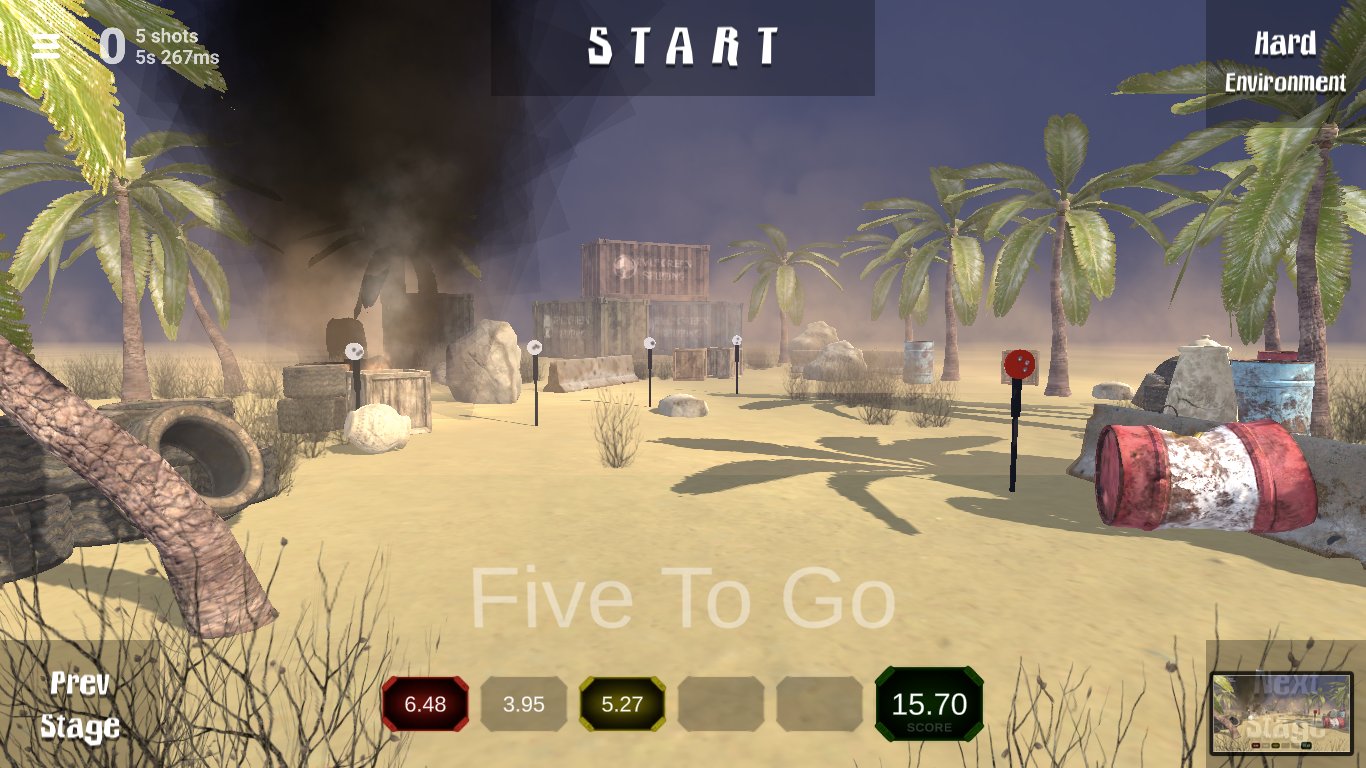
To obtain a software license for a specific game or module, simply select the correct version that suits your needs. Once your selection is confirmed, you’ll receive a license key and a download link for instant access to the software.
Key Features:
- Seamless Compatibility: Fully compatible with Smokeless Range, Lasershot, and other simulators. (For clarification or specific compatibility concerns, please contact us directly.)
- Flexible Options: Choose the exact software you need to enhance your training or gaming experience.
How It Works:
- Select the software version you need.
- Receive your license key and download link via email.
- Install the software and start enjoying your enhanced simulator experience.
How to Run iMarksman® with Other Calibration Programs
Our system is compatible with LaserShot, Smokeless Range, and other calibration programs. Follow these steps to integrate and run it smoothly:
Steps to Run iMarksman® with Calibration Programs
1️⃣ Start the iMarksman® Game
2️⃣ Press the Windows Key (as shown below)
3️⃣ Locate and start your calibration program
4️⃣ Press the Windows Key again
5️⃣ Return to and continue using the iMarksman® program

This method allows seamless switching between the programs while ensuring proper calibration.
If you have any questions, feel free to reach out!
Thank you,
🔹 iMarksman® Team
📧 info@iMarksman.com
For More Details:
Visit the appropriate product page below to learn more about each available module and its features.
Enhance your simulator setup with iMarksman® Software tailored to your needs!
iMarksman® Use of Force Enhanced
Scholastic Action Shooting Program
SPORT PRIME: ACTION STEEL + STEEL CHALLENGE + SCHOLASTIC ACTION SHOOTING PROGRAM + COWBOY FAST DRAW